
Ohio VINE in Fulton County
Ohio VINE is the county's documented official alert channel. The Fulton County Services page calls it a free, anonymous, computer-based service. Victims can check custody or case status and register for notice. State materials use both VINE and VINELink branding. Web access runs through VINELink. Phone access is 1-800-770-0192, with TTY at 1-866-847-1298.
Fulton County books its arrestees through CCNO, the regional jail. The county promotes VINE, though its public pages do not expose a dashboard proving each CCNO feed's status. A result can support a custody check for a named person. A missing result proves nothing about an arrest, booking, transfer, or release.
VINE handles custody notification, not a whole record. The booking report covers intake. The CCNO roster is the direct regional jail search. The Fulton court docket holds filings and outcomes. ODRC Offender Search applies after a person enters state prison or supervision, while federal and immigration custody use separate federal tools. The county VINE information page shows the local hotline, PIN, and notification instructions.
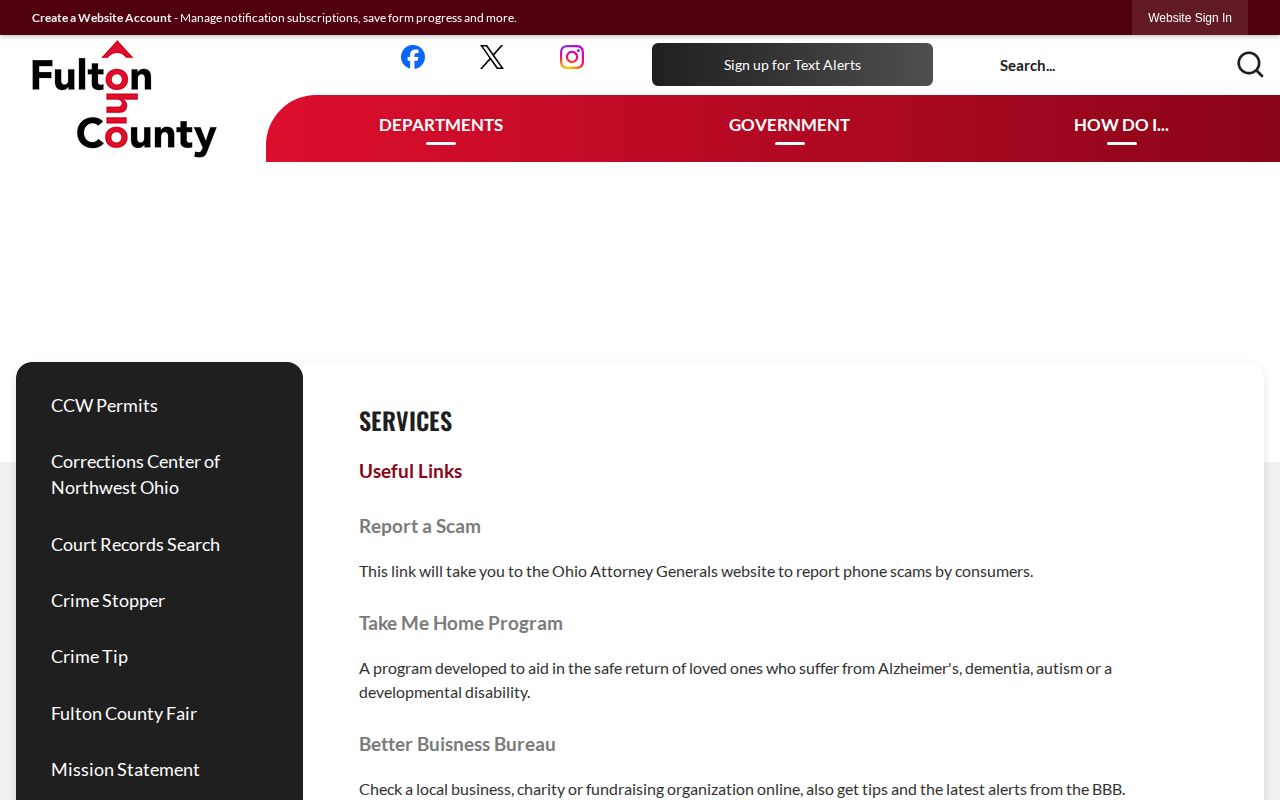
VINE handles Fulton County arrest alerts, while CCNO keeps the actual booking records.
Check a Fulton Arrest on VINELink
Start with state and facility context, then narrow to the person. Fulton belongs to a five-county regional jail. A facility selector may list CCNO. A stand-alone Fulton County jail name may not appear. When several people share a name, compare every identifier before registering against a record.
- Open VINELink and select Ohio.
- Choose the county or facility path offered. Look carefully for CCNO or Corrections Center of Northwest Ohio.
- Enter the person's name or inmate or booking number.
- Review available identifiers, agency or facility context, and status before accepting a match.
- Open the matched custody record and note the latest update, if shown.
- If no record appears, search CCNO and call VINE or the jail rather than drawing a conclusion.
Misspelled names and shared identities create false matches. Use a CCNO booking number when you have one. Physical descriptors help but do not prove identity alone, and a photograph should never be the sole match. The VINELink interface lets you select Ohio before narrowing the county or facility.
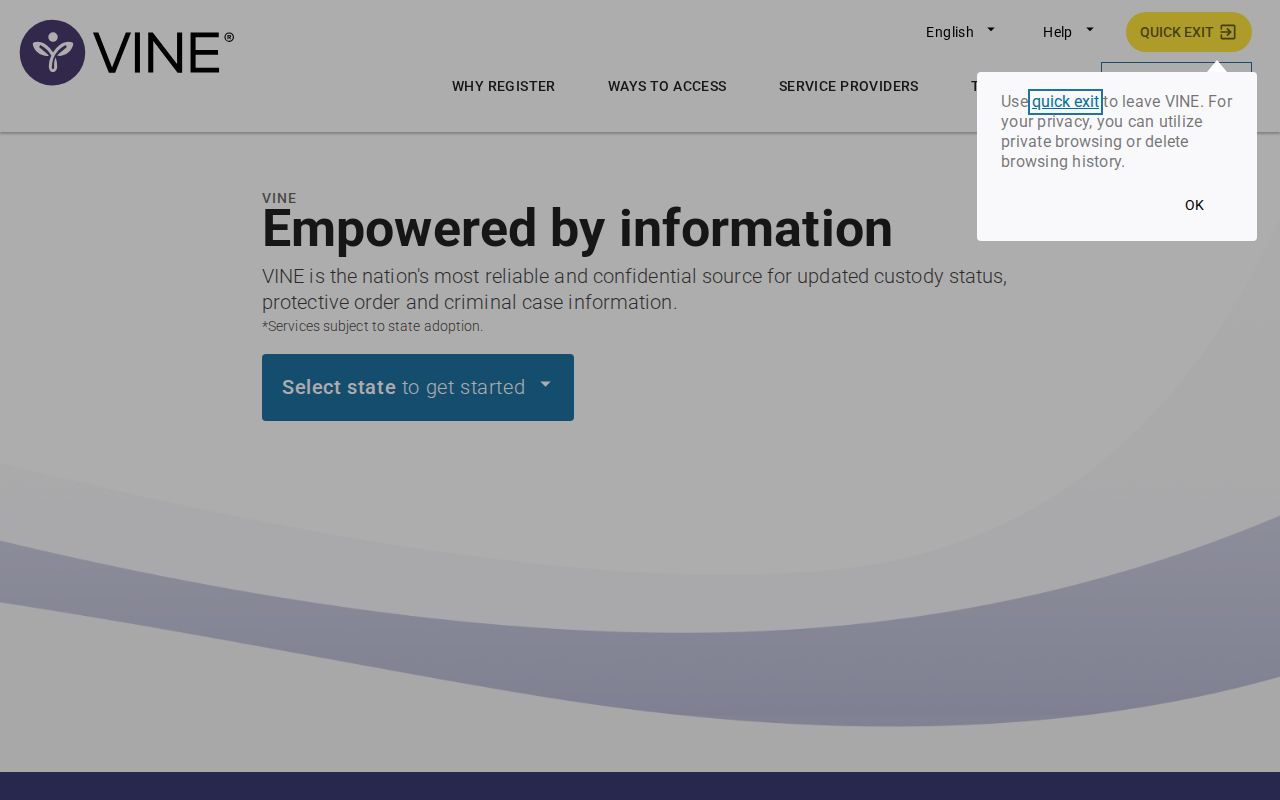
The state-selection view helps prevent confusion with a same-named county elsewhere.
Fulton VINE Custody Result Fields
What displays depends on the participating agency and record. Ohio's instructions set out searches by offender name or number. Custody-status monitoring is the core function. Treat each result as a status message, not a full booking packet or court history.
| Result item | Meaning and limit |
|---|---|
| Name | The name attached to the custody record; confirm it with another identifier. |
| Offender or inmate number | A match key that may differ from a court case number. |
| Facility or county | The participating custody context, which may identify regional CCNO. |
| Custody status | Reported custody information, subject to agency update timing. |
| Release or transfer | A status change that may trigger notice where supported. |
| Notification options | Methods offered for alerts, which may include phone, email, or text. |
VINE reports custody, nothing more. For case outcomes, use the Fulton County court records path. That portal warns that docket updates can lag judicial action. Read both with that timing gap in mind.
Register for Fulton Custody Alerts
Register only after the right person is identified. The Ohio Attorney General's VINE brochure describes phone and email notification. Fulton County explains telephone registration with a PIN. Text may be offered where available, so follow the choices shown for the matched record.
- Select the alert option attached to the verified person.
- Choose an available delivery method, such as telephone, email, or text where offered.
- Enter the requested contact detail accurately.
- Create the four-digit PIN used to acknowledge a telephone notice, and keep it private.
- Review the confirmation and save the offender or inmate number.
- Update or cancel registration through VINE when it is no longer needed.
Fulton's official description sets a firm calling schedule. Telephone attempts continue every half-hour for 24 hours or until the PIN is entered. Voicemail attempts run every two hours for 24 hours. None of this guarantees advance warning or successful delivery. Changed numbers, blocked calls, outages, or delayed source data can all interfere.
The state brochure describes representatives available around the clock. Call the published VINE number when a registration or a match is unclear. Keep the acknowledgment PIN private.
Confirm Fulton VINE Alert Results
VINE can lag a fresh booking. For a recent arrest, pair it with the Fulton Arrested Today path. Add the CCNO current inmate search as well. The roster covers current regional jail or searchable CCNO custody, not a permanent archive. Call CCNO at (419) 428-3800 if a result conflicts with the expected status.
A released person may vanish from the roster while an old booking record remains obtainable. Someone sentenced to state prison belongs in the ODRC Offender Search. Federal Bureau of Prisons and ICE detention records sit outside the Fulton jail. They fall outside the VINE path too. Use their own locators.
Fulton County lists no separate sheriff booking app. Results for "Fulton County" apps may point to Georgia. The official Ohio pages, hotline, and CCNO roster are the documented channels. The CCNO Victim Services search displays direct name, booking-number, facility, and date controls.
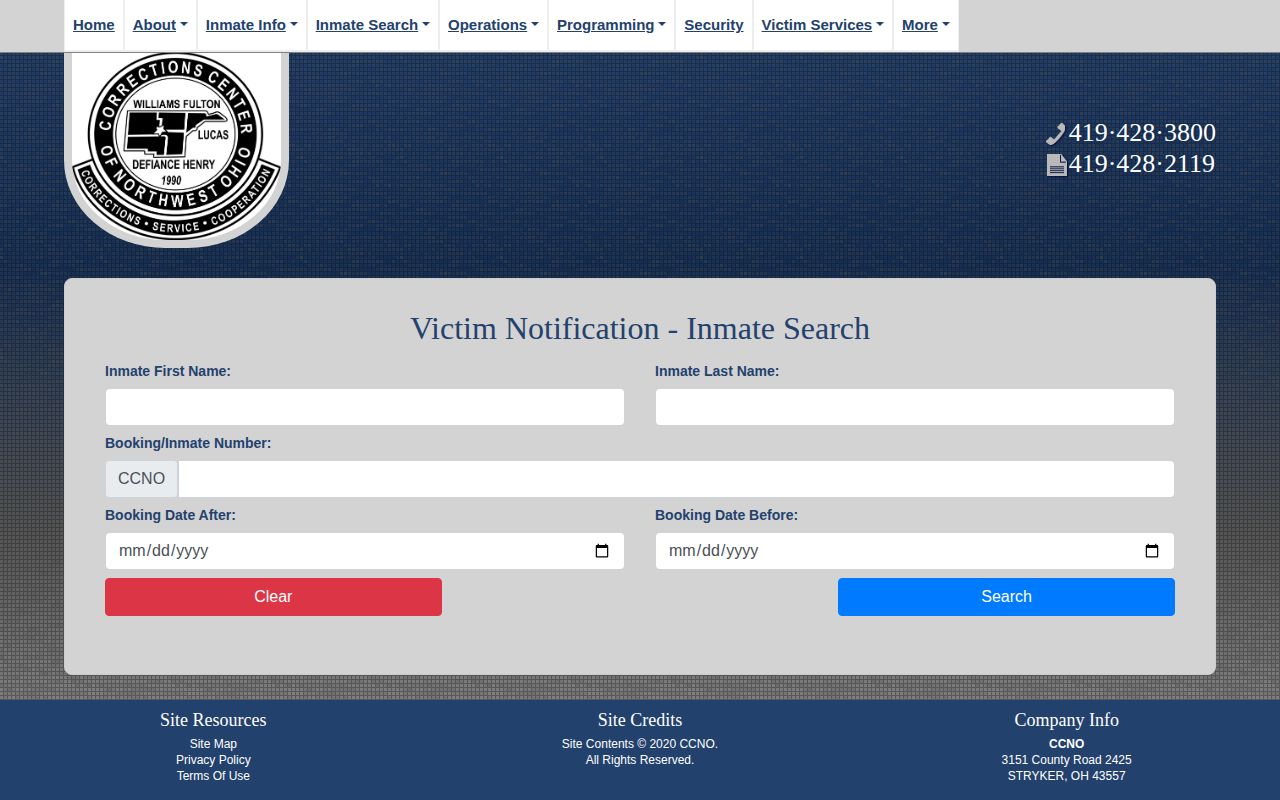
If a VINE answer lags or seems unclear, the jail search clears it up fast.
Custody Status Is Not Disposition
Four stages often get confused. A just-booked person may appear in CCNO's roster before the next batch or VINE update. Someone still in custody can have changing charges or dates. A released person is out of jail custody. The case and booking record can remain. Someone sentenced to ODRC custody has moved on. The state corrections system now holds them.
- Booking
- Jail intake that assigns a booking record and may include a photograph.
- Transfer
- Movement from one facility or custody authority to another.
- Release
- Departure from the reported custody setting, not dismissal of the case.
- Disposition
- The court's recorded outcome, which VINE does not supply as a full docket.
Match each question to the right system. Use CCNO for regional jail custody and booking records, while VINE handles status notices for participating agencies. The Fulton court answers disposition questions. ODRC covers state custody, and federal locators cover federal matters. Keep those lanes separate. That stops an empty result in one system from being mistaken for an answer in another.
Start confirmation with the source closest to the event. A same-day Fulton arrest may not show in the jail system yet. The arresting police agency can often confirm transport happened first. CCNO then becomes the key source for admission, current regional custody, and the booking file. VINE adds notification once the participating record can be matched. The court is authoritative for arraignment, bond orders, later charge changes, and disposition. Those handoffs explain why two accurate systems can briefly show different stages. A person cannot always be found. Write down the spelling used, the search time, the state selection, and any booking number before calling. VINE representatives can help with the service. CCNO can clarify regional custody at (419) 428-3800. The Fulton County Sheriff's Office at (419) 335-4010 can route questions about a sheriff-created arrest record. It is not the jail's custodian. CCNO holds the regional jail booking. For Wauseon, Archbold, or Swanton police records, the arresting department may hold a separate incident report.
Check alerts again after any transfer. A move changes which locator has the useful record. It could be ODRC, a federal authority, another jail, or release supervision. VINELink may report an event without every reason or court term behind it. Save the matching identifier and verify with the next facility. A disappearance does not mean release. If personal safety is at risk, act now. Call law enforcement and use a separate safety plan rather than waiting on an automated message.
Older bookings need the same care. VINE is built for status and notice, not permanent document retrieval. Someone may no longer be in searchable custody. A requestable CCNO booking file and a Fulton court docket can still exist. Ask for the record by name, approximate date, and booking number when known. That route beats expecting an alert system to work as an archive. Keep notification contact details current, too. If a phone number or email changes, revisit the registration. Test access before relying on it, keep the PIN secure, and save the hotline separately. Direct confirmation still makes sense whenever timing matters.
Note: A VINE notice concerns reported custody status; it does not prove the charge, establish guilt, or replace the court's final entry.