
Fulton Arrests From Yesterday
The official short-window source is the CCNO Bookings at CCNO page. Its Previous Day Bookings link opens a PDF. The file lists people booked during the prior calendar day. CCNO is the Corrections Center of Northwest Ohio. It serves Fulton plus Defiance, Henry, Lucas, and Williams counties. That regional role matters here. The report can mix arresting agencies from all five counties. Before assuming an entry is a Fulton County arrest, read the arresting-agency and court fields.
This is a batch, not a live stream. Recent batches have posted around 5:51 the next morning. So a late booking may be missing at midnight. CCNO promises no fixed posting hour. Nor does it publish a weekend or holiday service level. Treat the PDF as a previous-day snapshot. Then check the current roster for a live custody answer.
Check Fulton Arrests Today
Match the document to the question first. The previous-day report answers who entered CCNO during the prior calendar day. The live inmate search answers who is in custody right now. Those facts overlap. They are not the same. Someone can show up in the batch and get released hours later. A booking made after the report cutoff appears only in the current search.
- Open the official CCNO booking-report page and select Previous Day Bookings.
- Check the report title and generation timestamp so the date window is clear.
- Match the full name, booking number, arresting agency, booked time, and court. Fulton-area agencies can appear among records from other counties.
- Open the CCNO Inmate Search to test current custody. Use the more detailed Victim Services search when a booking number or date range is known.
- If the expected record is absent or unclear, call CCNO at (419) 428-3800. Ask about the named person and the relevant booking date.
- For the underlying booking file or photograph, submit a focused request through the CCNO public-records page.
Lean on exact identifiers. Common names cause wrong matches, and a home city proves little. The booking number is the strongest jail-side key. A court case number becomes useful once the question shifts to the case outcome.
Fulton Daily Arrest Fields
An official report entry carries more than a name. Bond is not always visible in the PDF. Fields vary by entry and by generation, so treat blank space as a gap rather than an answer. Confirm bond and release terms with the court or CCNO.
| Field | What it means |
|---|---|
| Booking number | CCNO's identifier for the intake transaction. |
| Booked date and time | When CCNO recorded intake, which may differ from the police arrest time. |
| Arresting agency | The agency tied to the arrest or transport and the best way to isolate Fulton entries. |
| Charge and severity | Charges and jail classification as booked, not a judgment by a court. |
| Case number and court | Keys for following the matter into the correct Fulton court docket. |
| Status | A booking or custody status, not the final case disposition. |
| Physical descriptors | Age, race, gender, height, and weight as entered at booking. |
| Photograph | Not promised in every previous-day entry; check the current record, seven-day PDF, or request it. |
An entry may include a home address or city too. That field says where a person lives. It does not say where the arrest happened. The booked time, likewise, marks arrival at the facility rather than the street moment of the arrest. Each field has one narrow purpose.
The official booking-report landing page displays both report choices before any document opens.
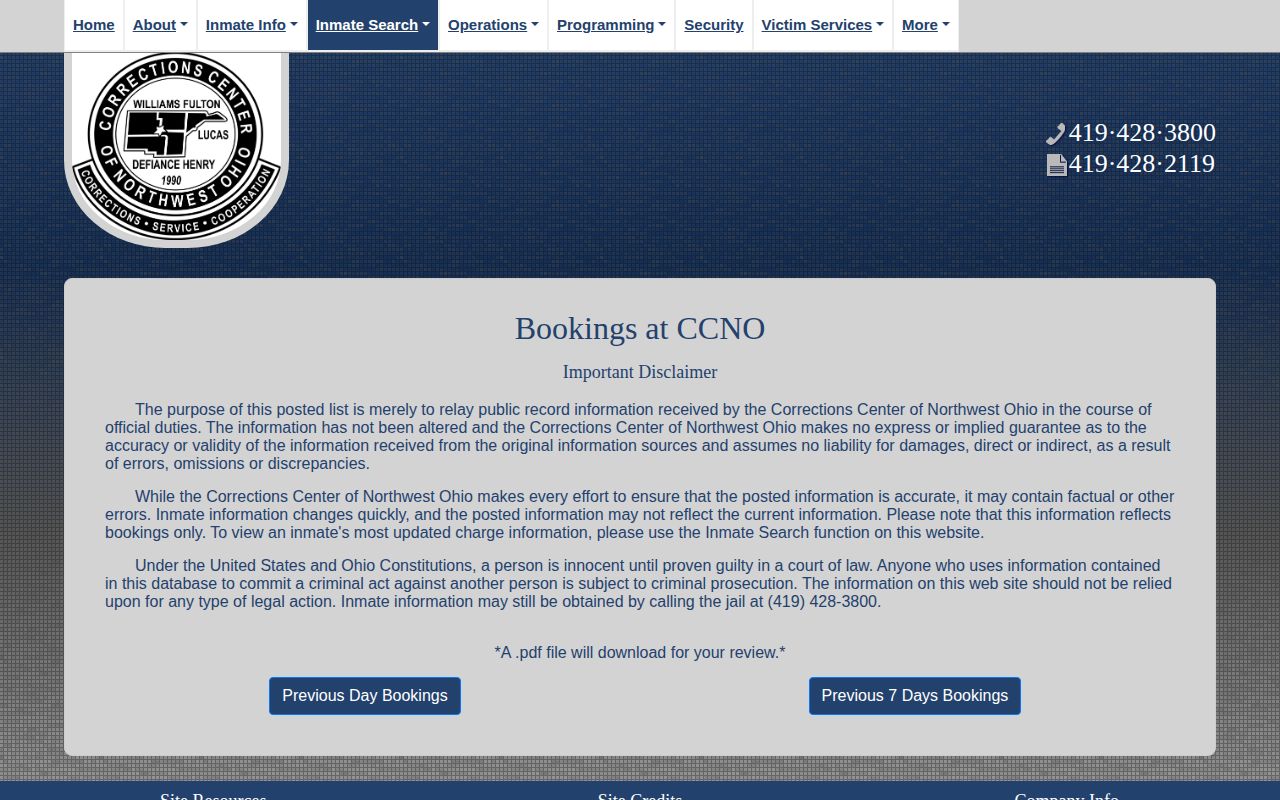
That official page separates the short daily batch from the wider rolling report. No gallery of people is displayed.
When Fulton Booking Data Lags
A fresh Fulton County arrest passes through several hands before the public batch shows it. City police or the Fulton County Sheriff's Office creates its own record. Transport and admission then move the person into the regional CCNO system. Staff process identifiers, charges, and court details. The previous-day PDF comes last. So it can never serve as minute-by-minute confirmation.
Use a fallback chain instead of repeating one search. First check current CCNO custody. Next, call CCNO at (419) 428-3800. If the arresting agency is known, contact it for the incident or arrest record. The Fulton County Sheriff's Office can be reached at (419) 335-4010. CCNO is the custodian of the regional booking file. A narrow public-records request should give the full name, booking date, booking number if known, and the exact item sought.
Need more than one day of bookings? The Fulton County Arrest Reports page explains the seven-day batch and its archive limits. A named person can also be tracked through a VINE custody alert once an official match is made.
The official current inmate search carries a warning that information can change quickly.
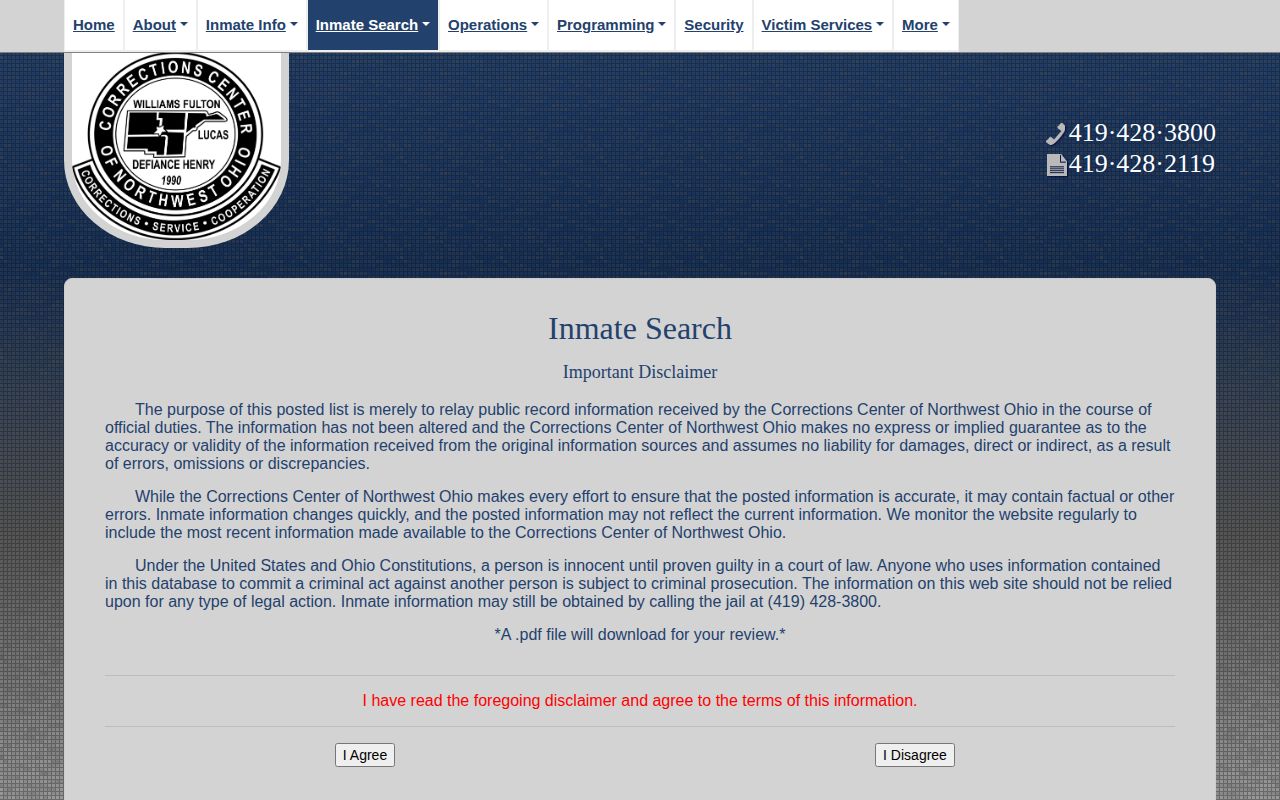
This search is the stronger custody check. Use it when the previous-day PDF is too early or has already rolled past the date you need.
Fulton Arrests Need Court Context
An arrest record only opens the public trail. The court file closes it. Severity and Status fields in the jail document cannot replace a judgment entry.
Follow the case number and named court through the Fulton County Records Search. That official page warns that online docket data may lag a filing or judicial action. Wauseon and Archbold often use the Western District path. The Fulton County portion of Swanton sits on the eastern side. The right court depends on jurisdiction and charge level. The county Prosecutor handles felonies. Local misdemeanors and traffic run through municipal or district pathways.
Photos and Fulton Arrest Apps
Photos are a separate question from the roster itself. A booking entry in the previous-day PDF is mostly text, and Fulton County arrest records there do not guarantee a picture for every name. The seven-day sample did include an image. That is not a promise, though. For a records purpose that truly needs the photo, open the CCNO record first. Then ask CCNO directly for the booking photograph if it is not posted online.
There is no Fulton County, Ohio jail app. The Sheriff and CCNO channels are web and PDF based. Be careful with app-store searches, too: results often point to Fulton County, Georgia. Confirm the state and agency before trusting anything. Ohio VINE sends custody alerts rather than mugshots. No social page serves as a systematic booking-photo source.
The CCNO Victim Services search offers a documented name, a number, the facility, and date-range controls to work with.
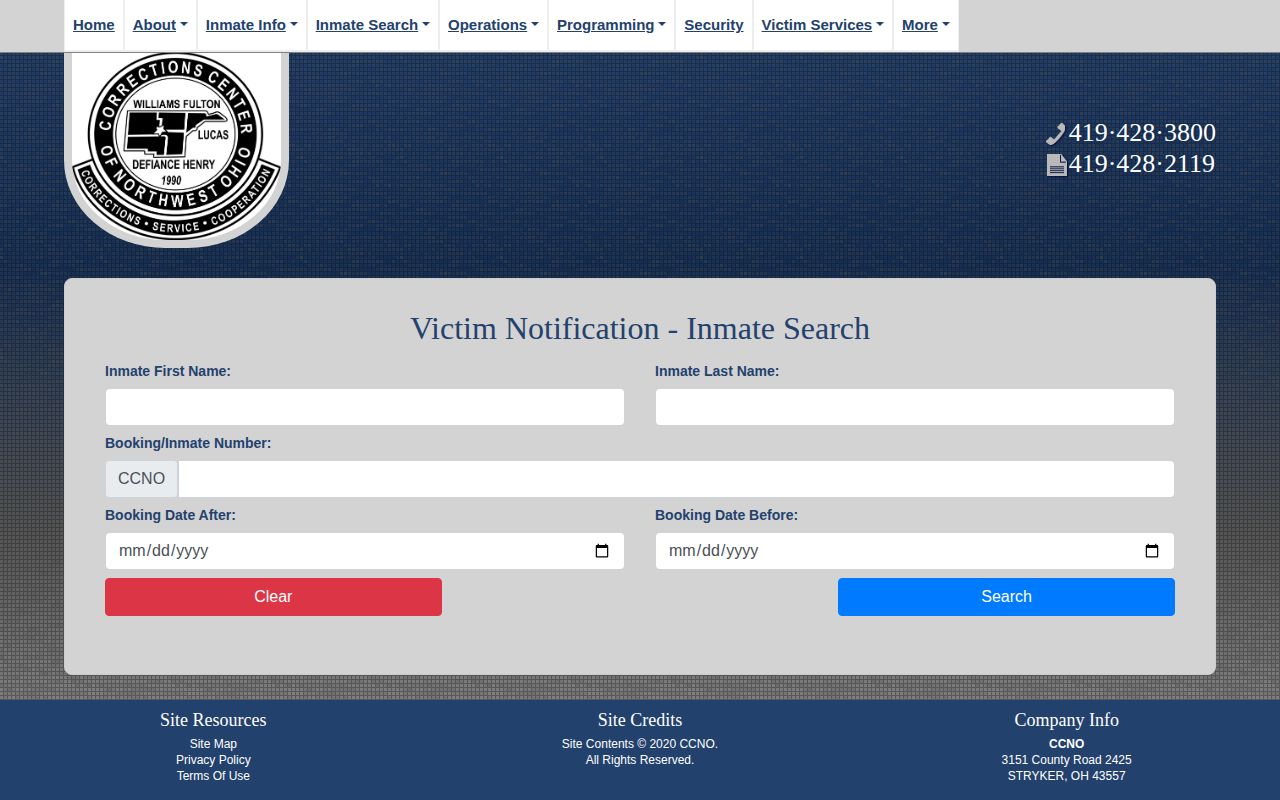
Those search fields do the real work. Name, number, facility, and dates can narrow a current custody query without any photo or copied third-party entry.
Four custody states often get confused. Current CCNO custody, a previous-day booking, a release, and an ODRC prison sentence each live in a different system. Someone released from CCNO can drop off the roster while a booking record stays requestable. A person sentenced to state prison moves to the ODRC offender search. Federal and immigration custody need their own federal locators.
Check the agency label before drawing conclusions. CCNO's regional report may list a city police department. It may also show a county sheriff or another participating agency. That label helps route a request. It does not reveal a court outcome. Ask CCNO for the booking record, the arresting office for its incident report, and the right clerk for anything filed later. Keeping those records separate stops a jail snapshot from being mistaken for a full case file.
Conflicting records call for patience. Compare timestamps before calling either source wrong. The previous-day PDF freezes one batch, the roster changes fast, and dockets post only after judicial action. Jot down the source, the access time, the booking number, and the case number. That small log gives CCNO or the clerk enough detail to chase the mismatch without leaning on a copied page.
Note: CCNO's daily publishing window is not a retention schedule, and an absent online entry may still exist as an agency or court record.